Roaming Ralph
Roaming Ralph
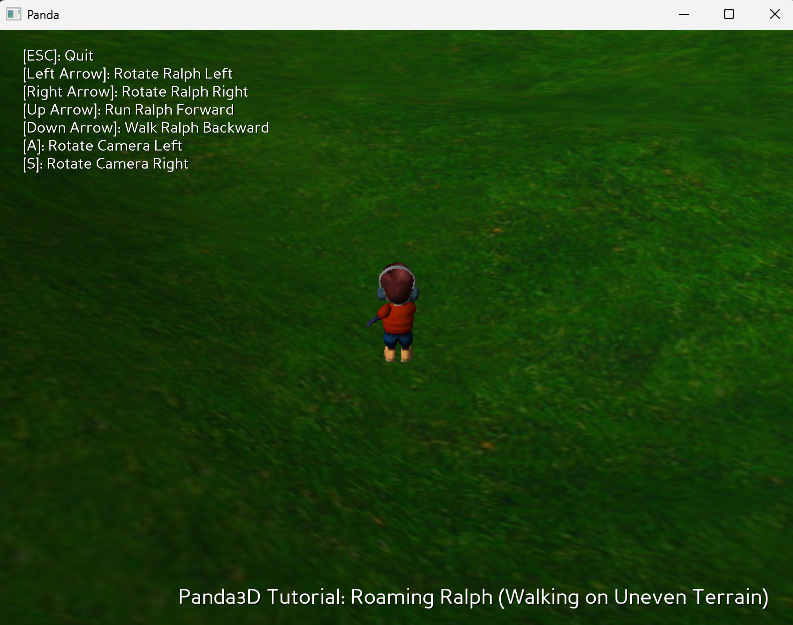
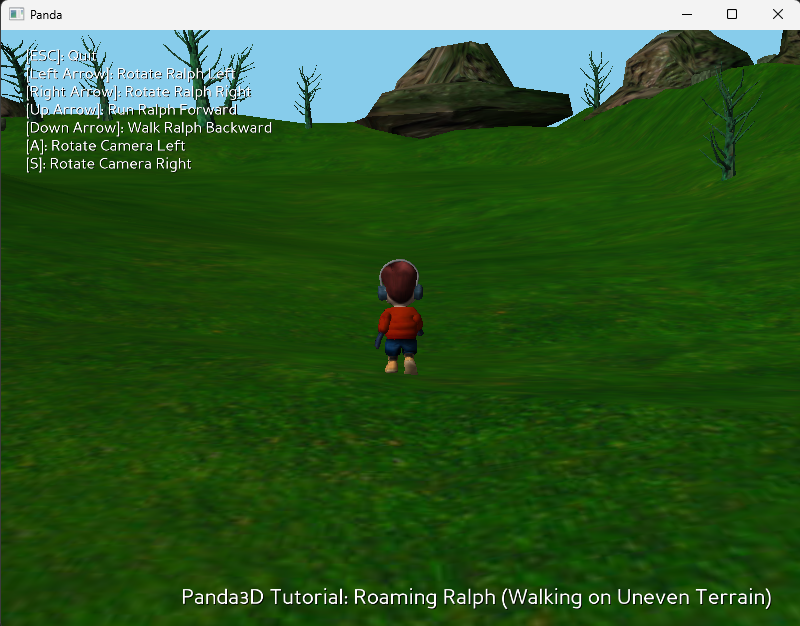
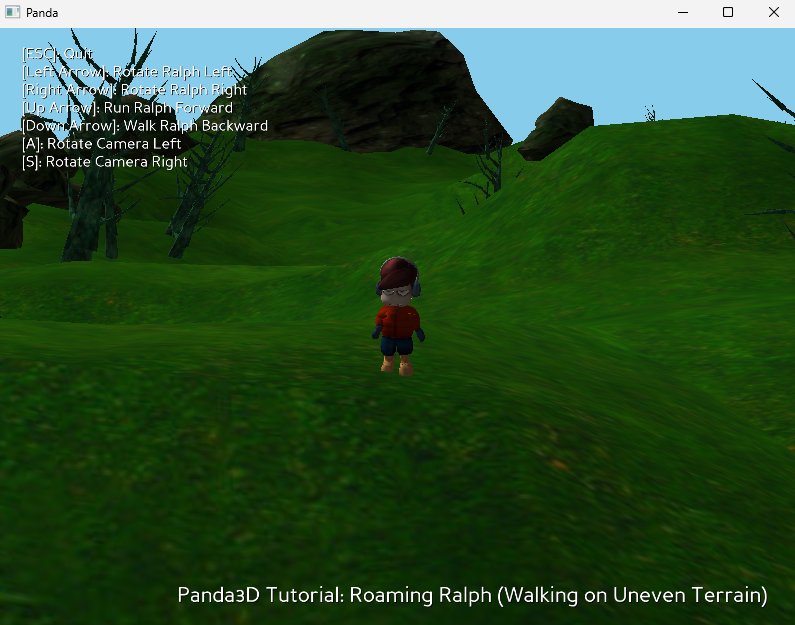
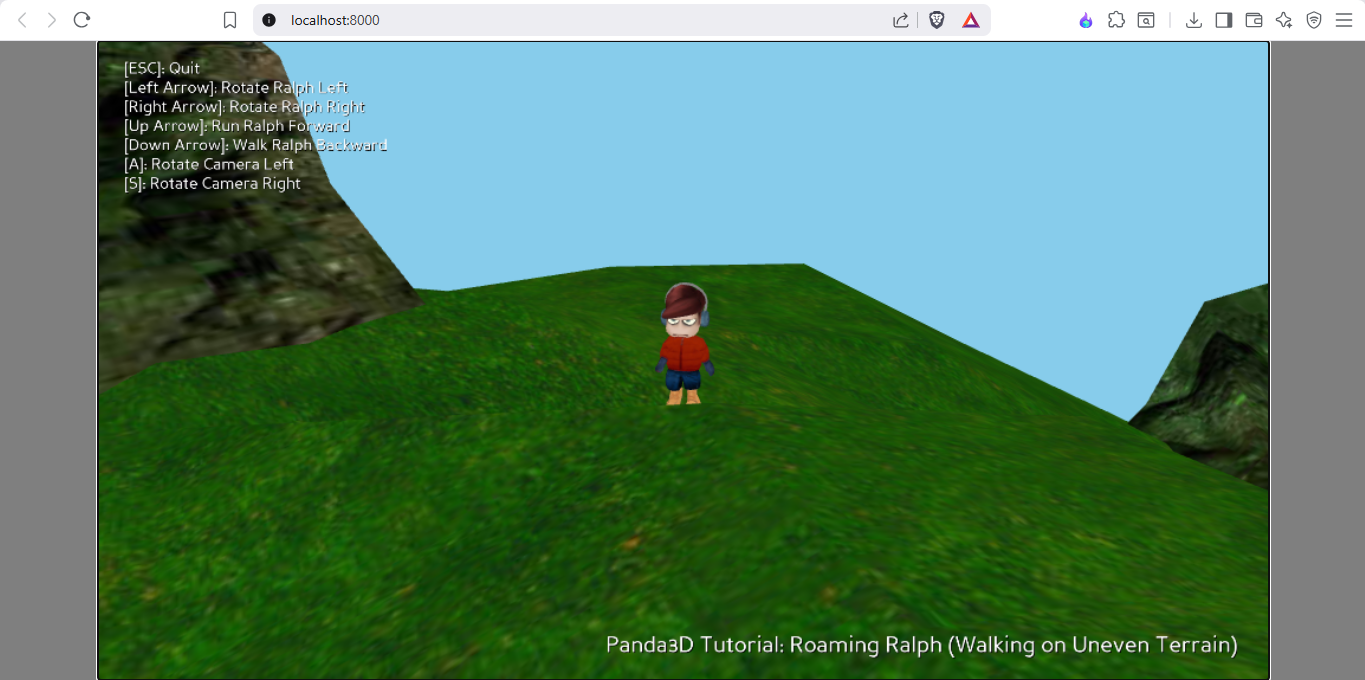
Roaming Ralph is a small 3D exploration demo built with the Panda3D game engine. Run around a colorful open environment, explore uneven terrain, and control a third-person camera while navigating the world as Ralph.
The game demonstrates character movement, terrain collision, animations, and a dynamic camera system.
Perfect for players who enjoy simple exploration experiences and for developers interested in how a basic 3D character controller works.
Features
- Play as Ralph, a 3D animated character
- Explore a fully 3D environment with hills and terrain
- Third-person camera that follows the player
- Smooth character animations (run & walk)
- Collision system that prevents walking through objects
- Basic lighting and terrain height detection
Controls
- Arrow Left / Arrow Right – Rotate Ralph
- Arrow Up – Run forward
- Arrow Down – Walk backward
- A – Rotate camera left
- S – Rotate camera right
- ESC – Quit game
Platforms
The game is available for:
- 🪟 Windows
- 🍎 macOS
- 🐧 Linux
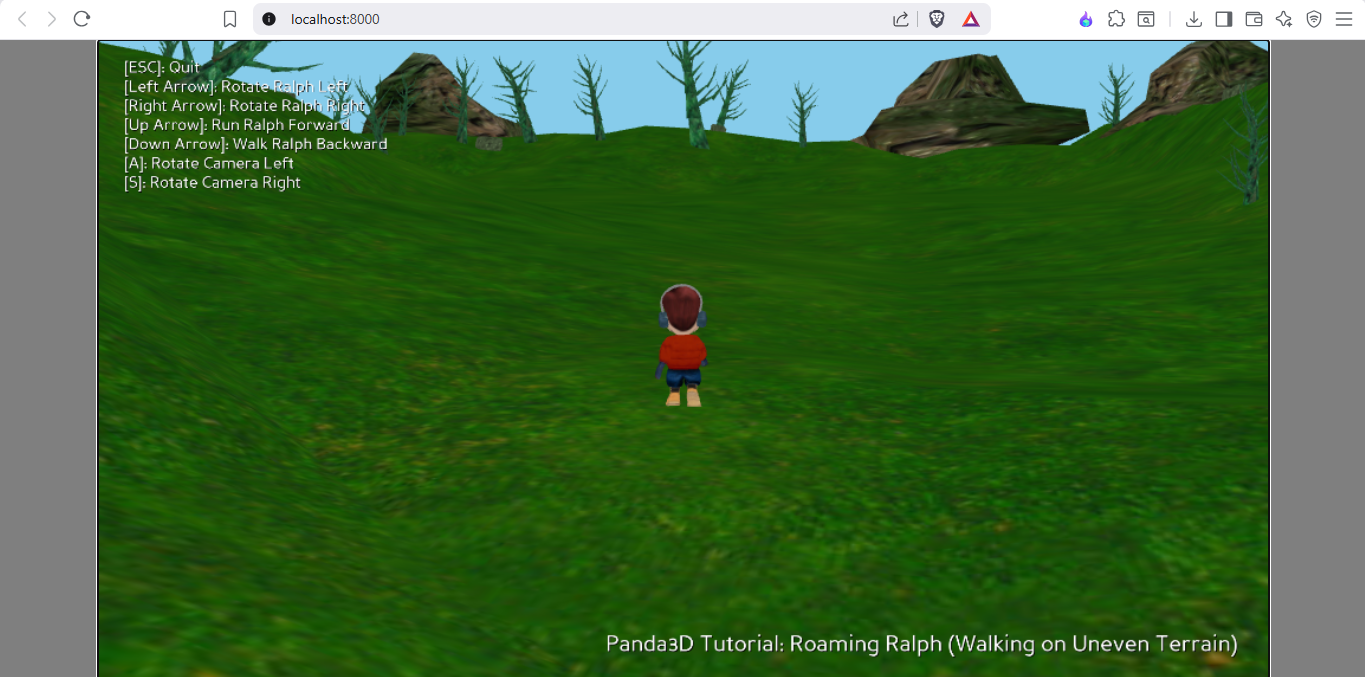
- 🌐 Browser (play instantly)
Built With
- Python
- Panda3D
Download
Install instructions
Download & Install
Windows
- Download the Windows (.zip) file.
- Extract the zip file.
- Open the extracted folder.
- Run the game executable.
macOS
- Download the macOS (.zip) file.
- Extract the zip file.
- Open the folder and run the application.
Linux
- Download the Linux (.zip) file.
- Extract the zip file.
- Open a terminal in the folder.
- Run the game file.
Browser Version
No download required. Simply click Run Game and play directly in your browser.
Leave a comment
Log in with itch.io to leave a comment.