Chess
A downloadable game for Windows, macOS, and Linux
Chess
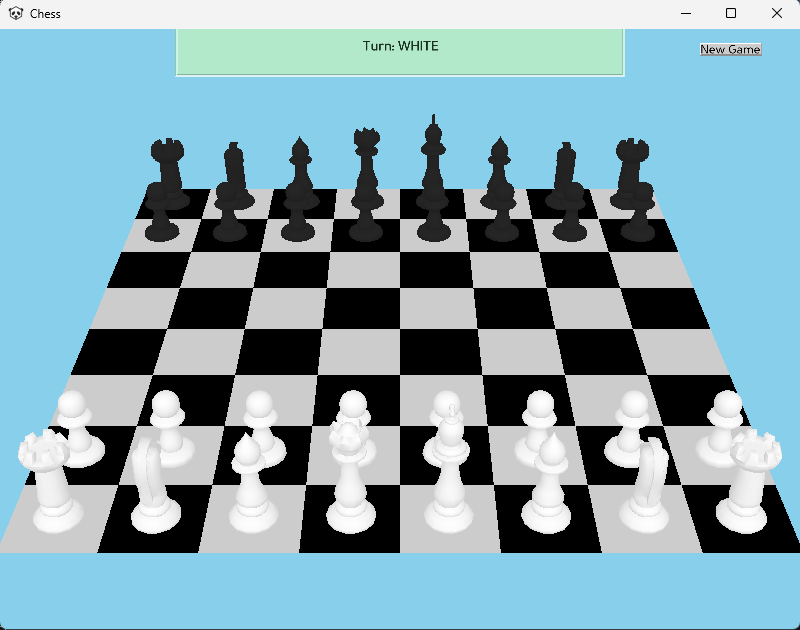
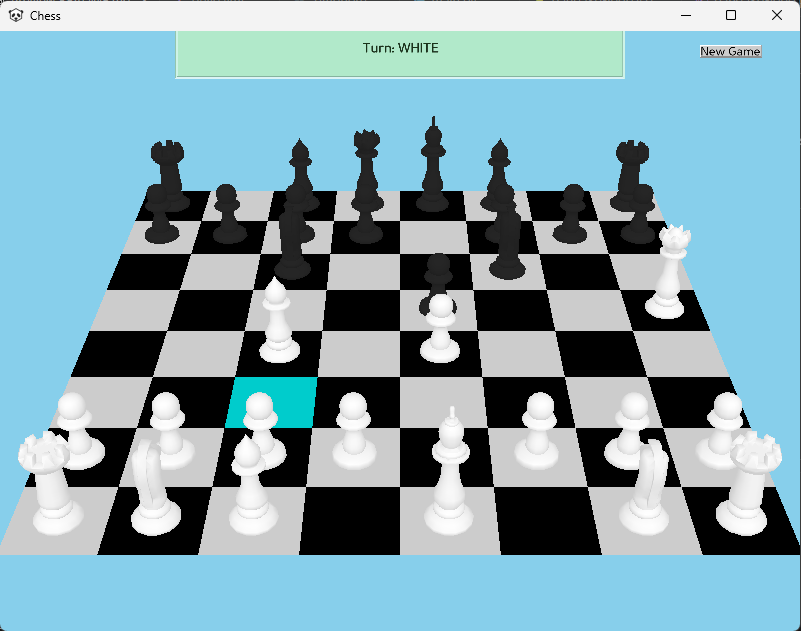
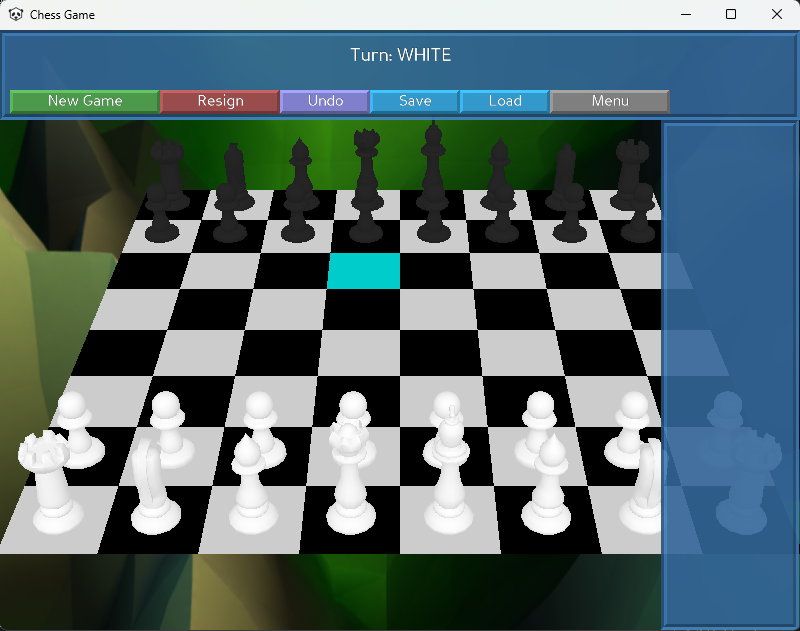
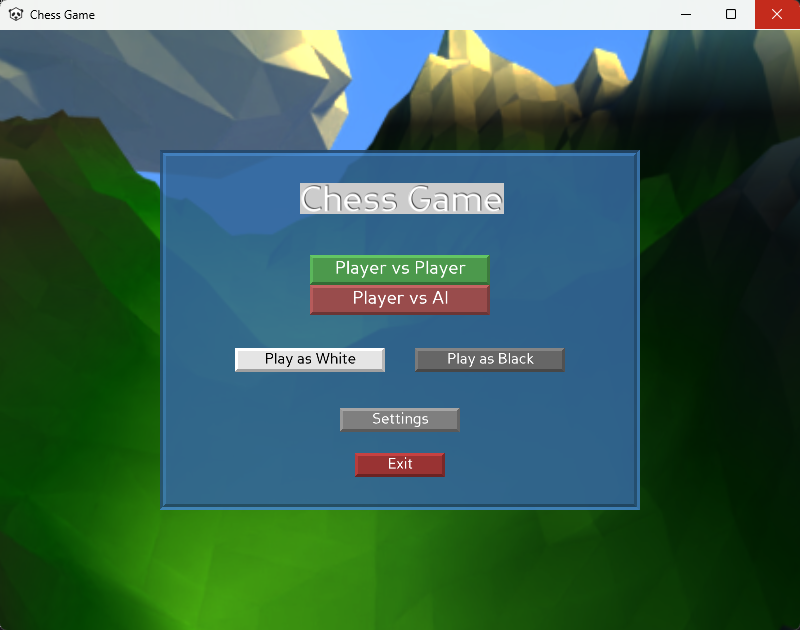
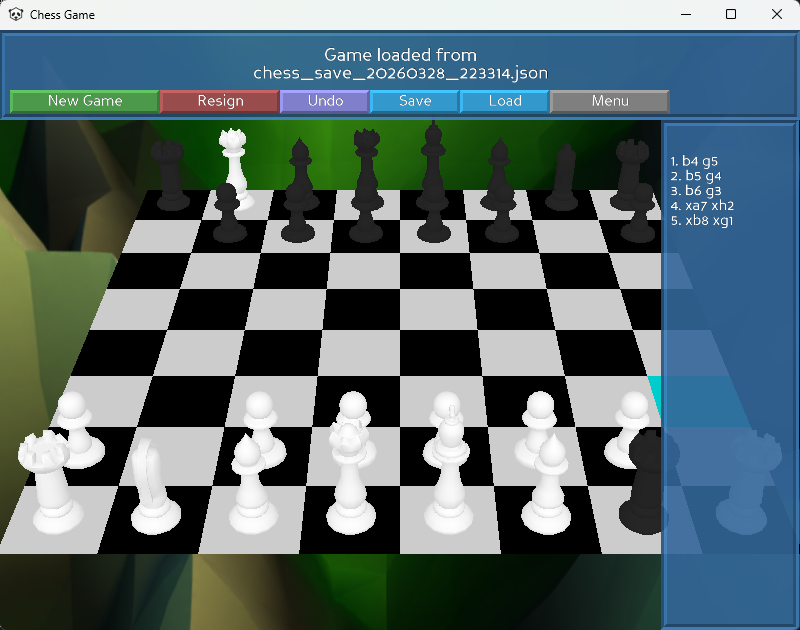
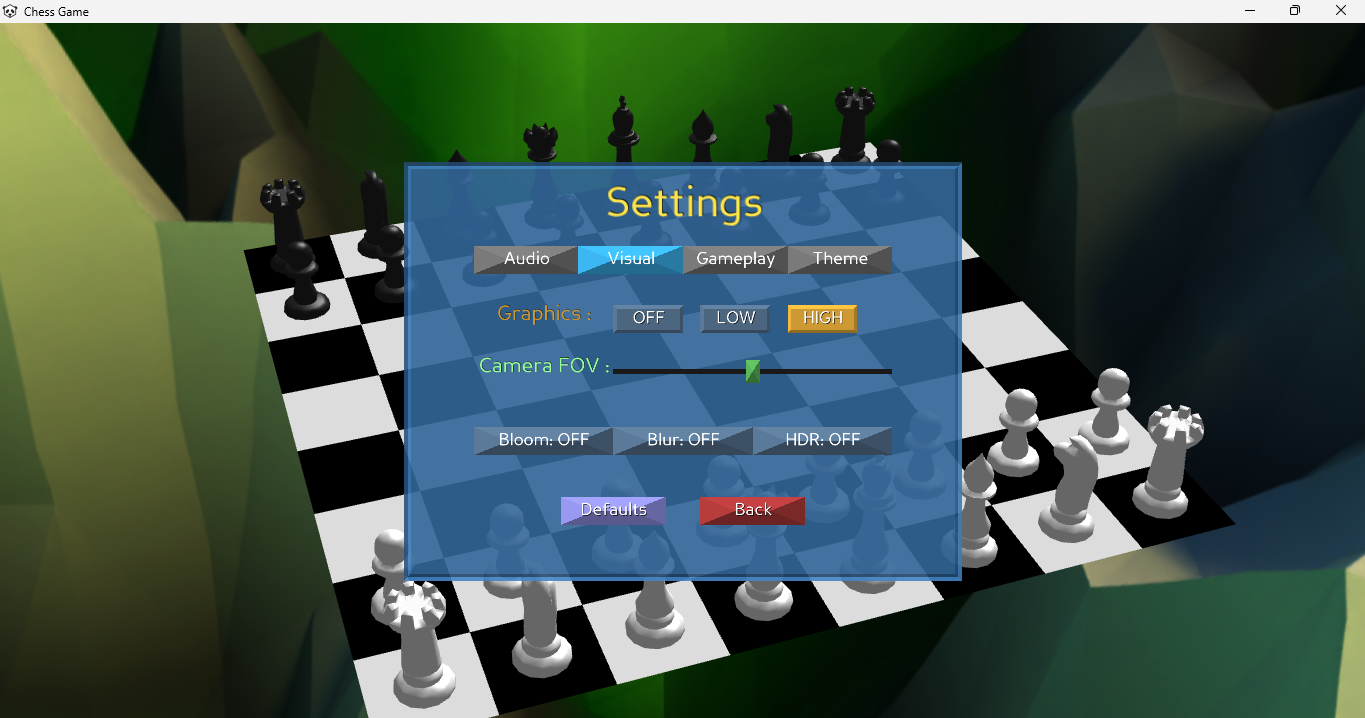
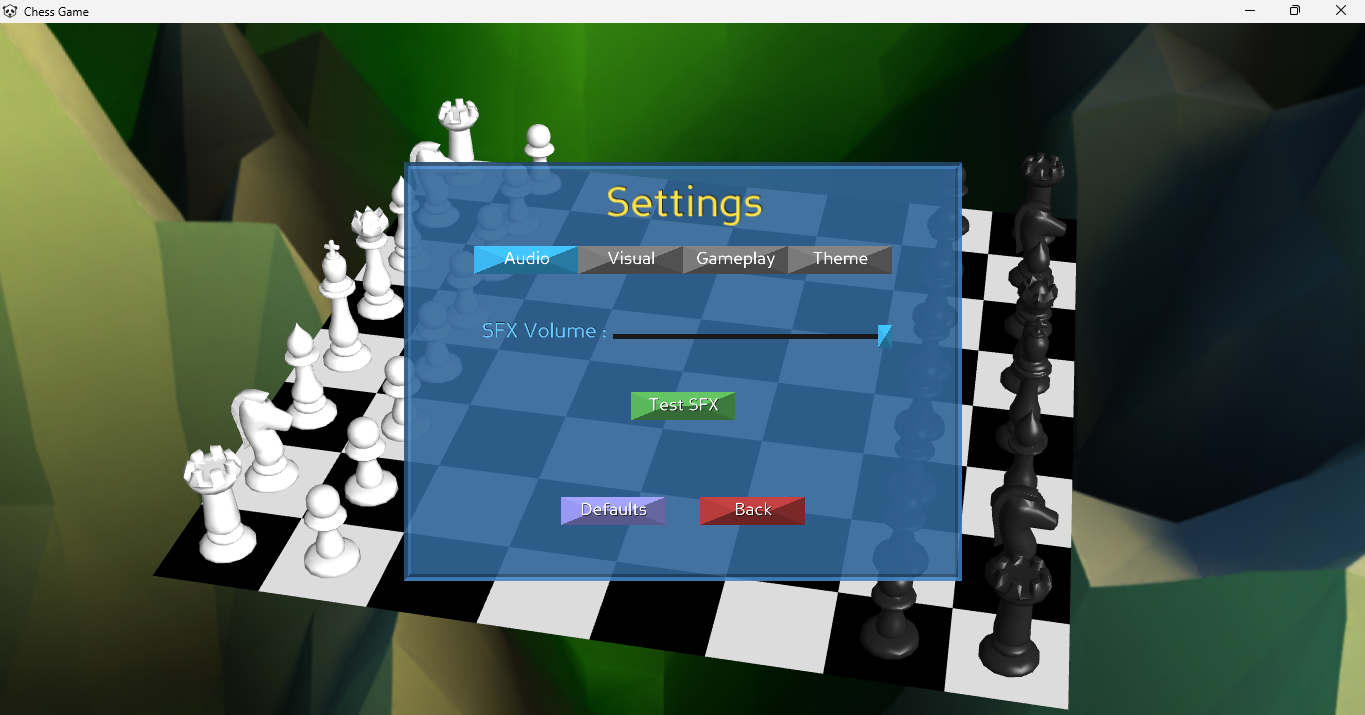
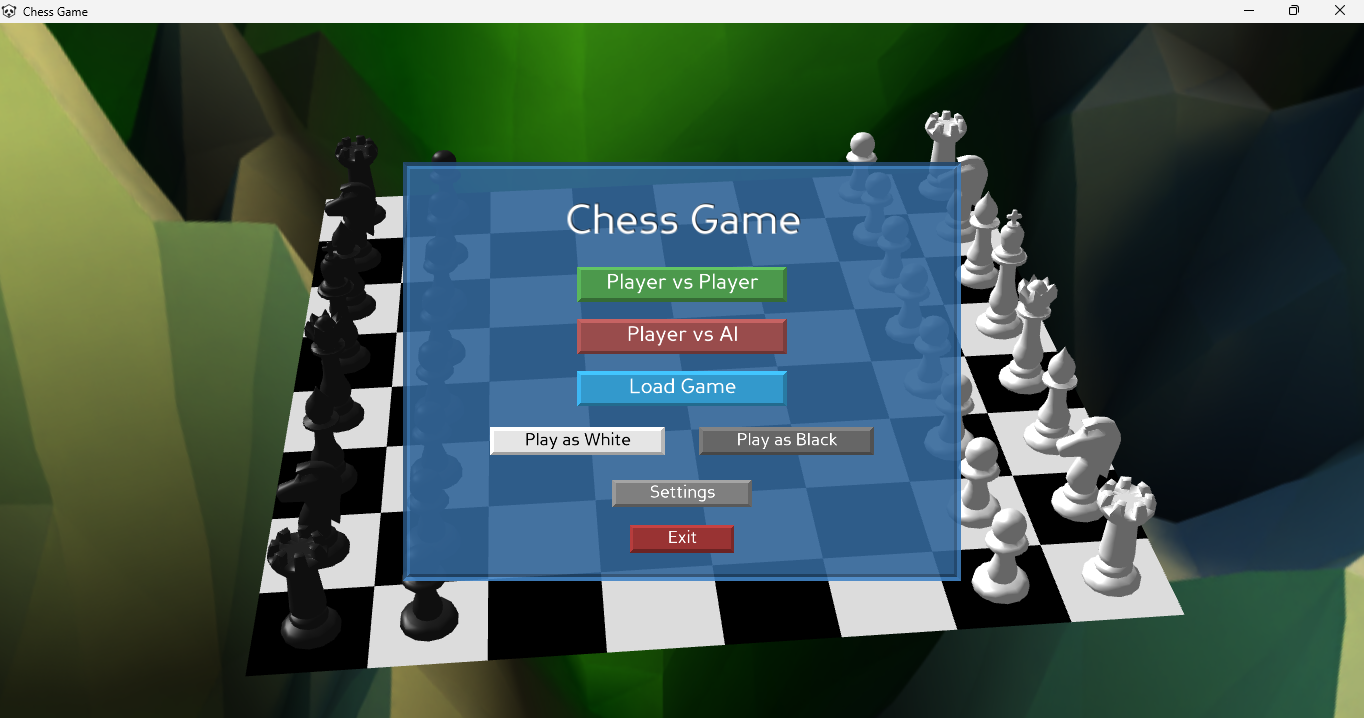
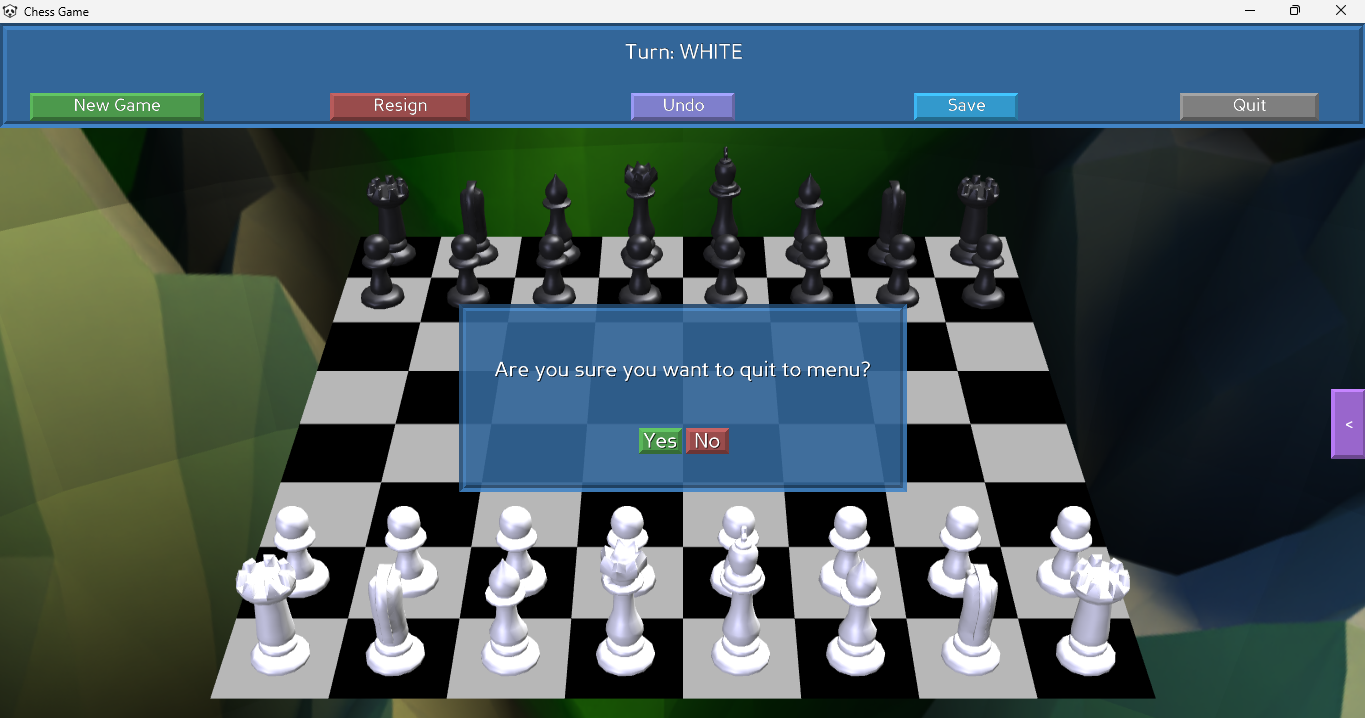
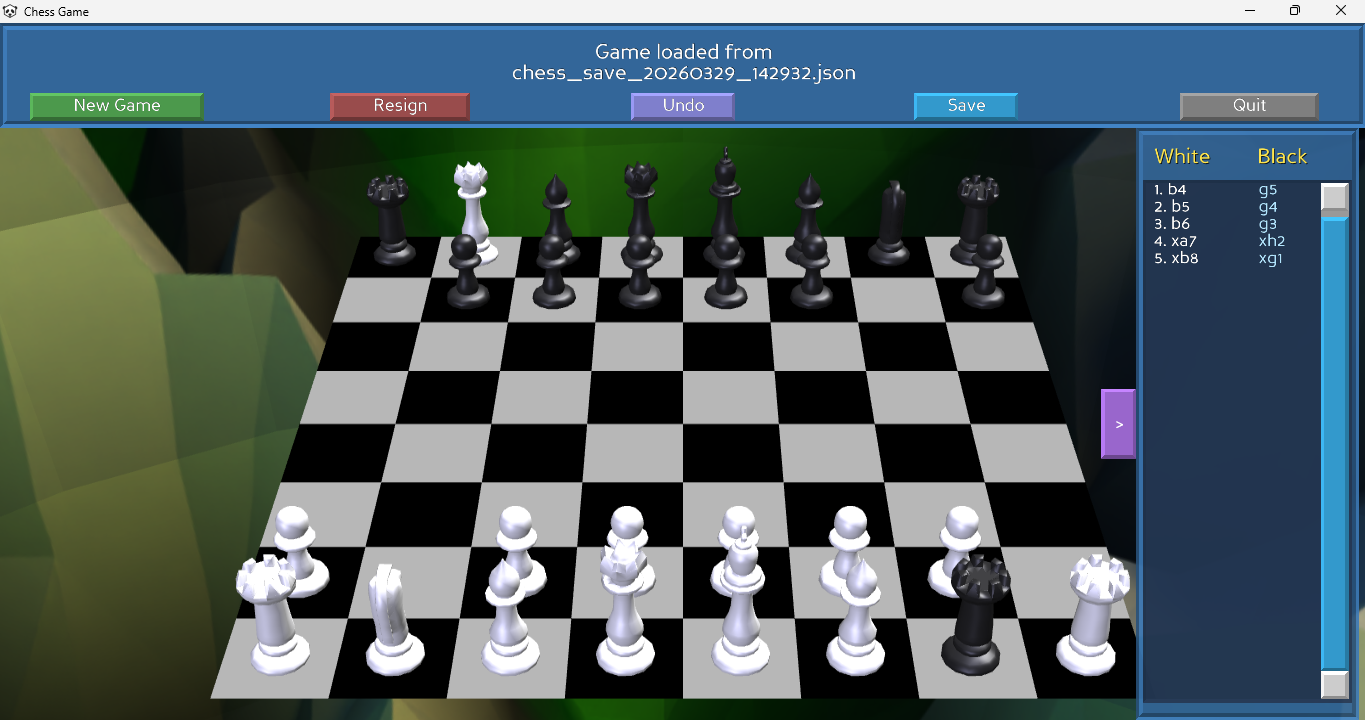
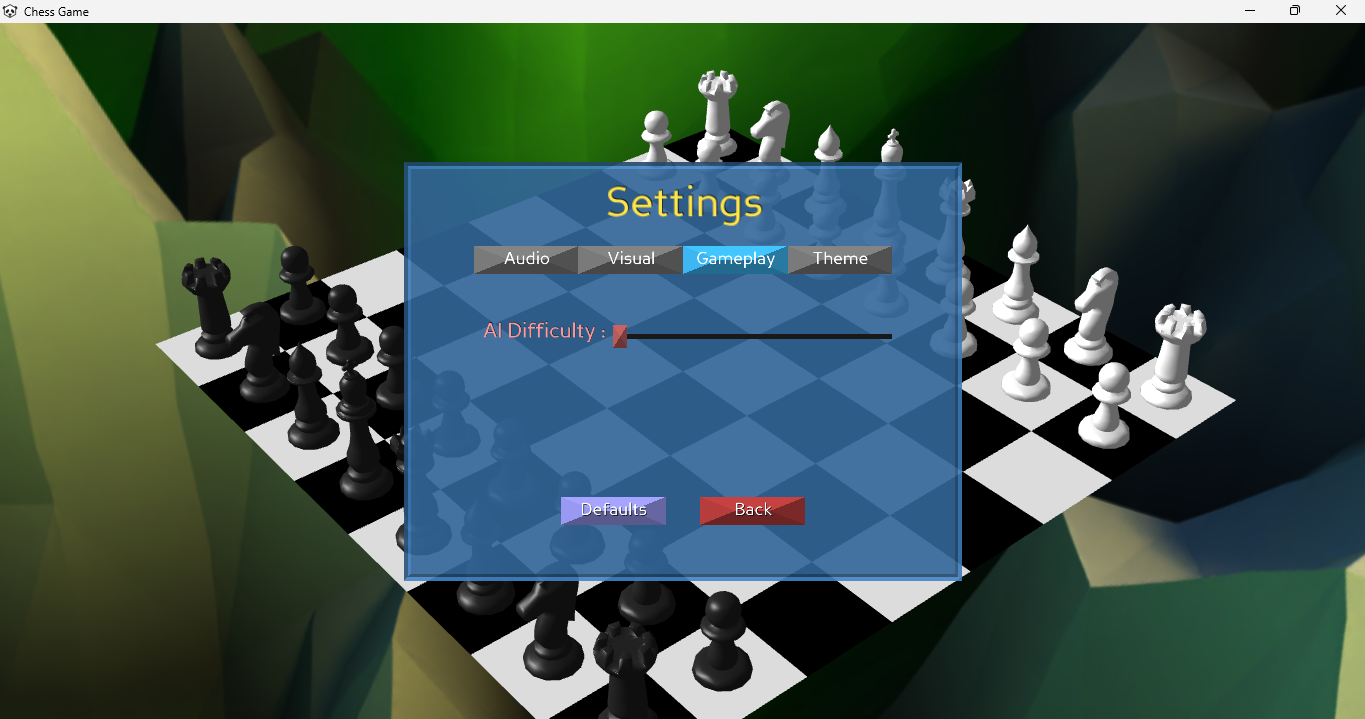
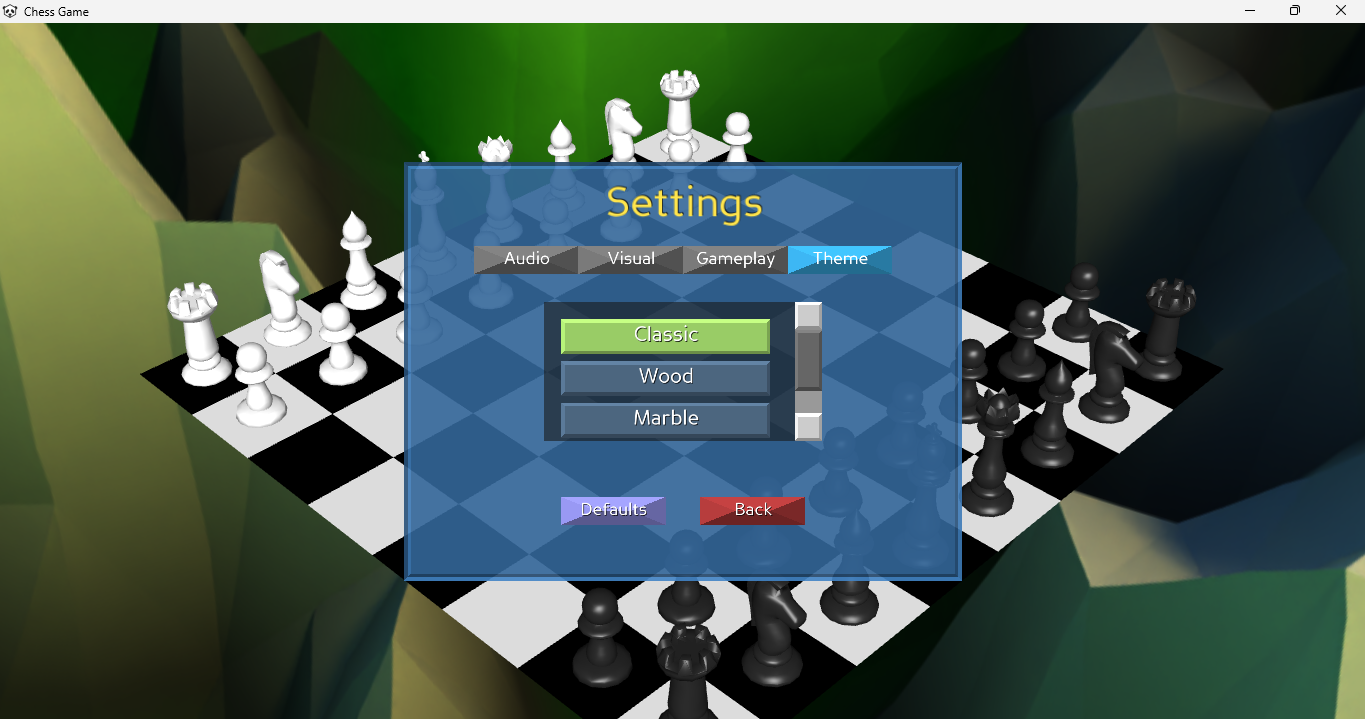
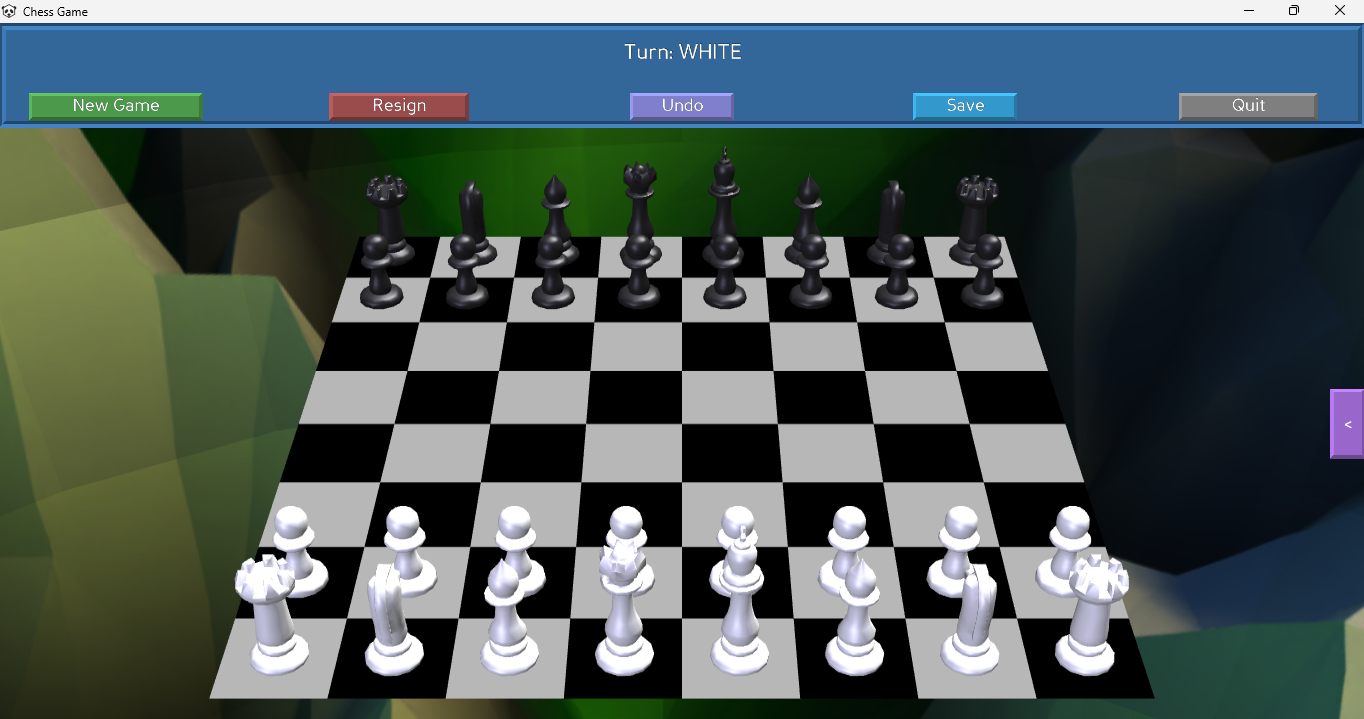
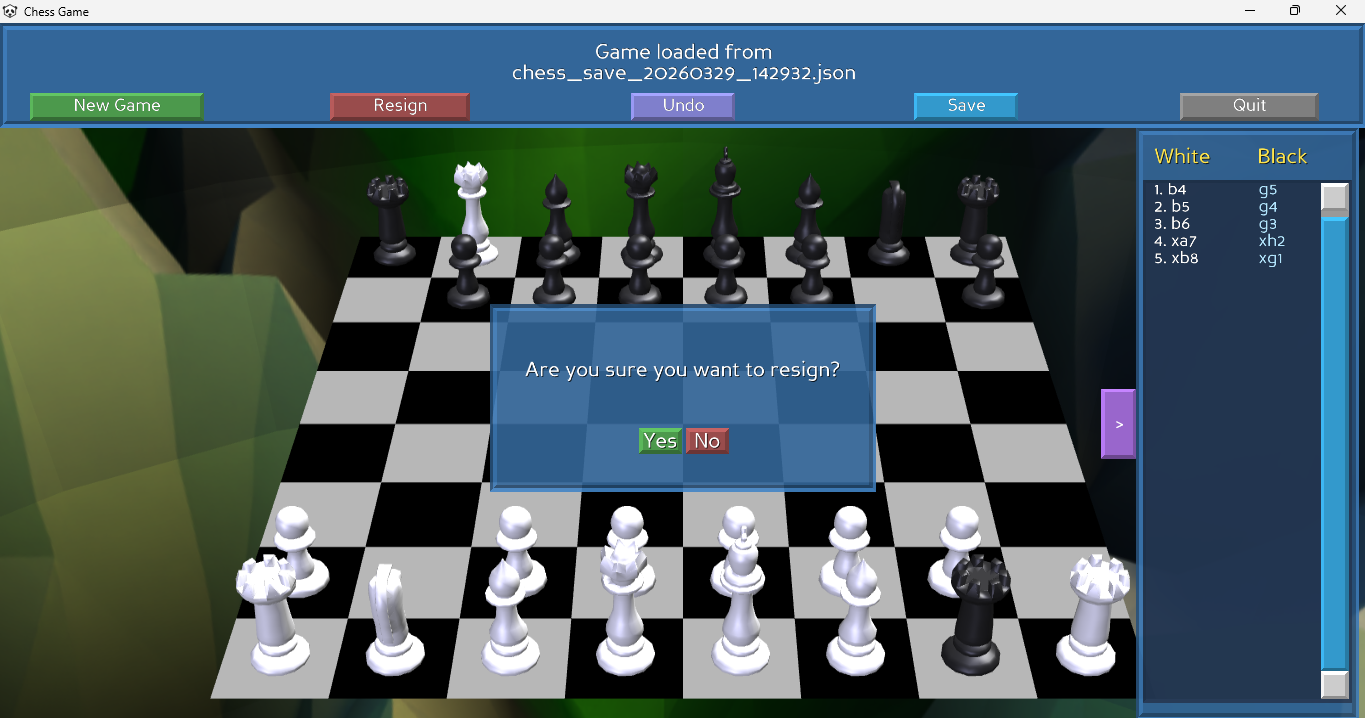
A 3D chess game built with Panda3D, featuring interactive gameplay with mouse controls, comprehensive piece movement validation, and visual effects.
✨ Features
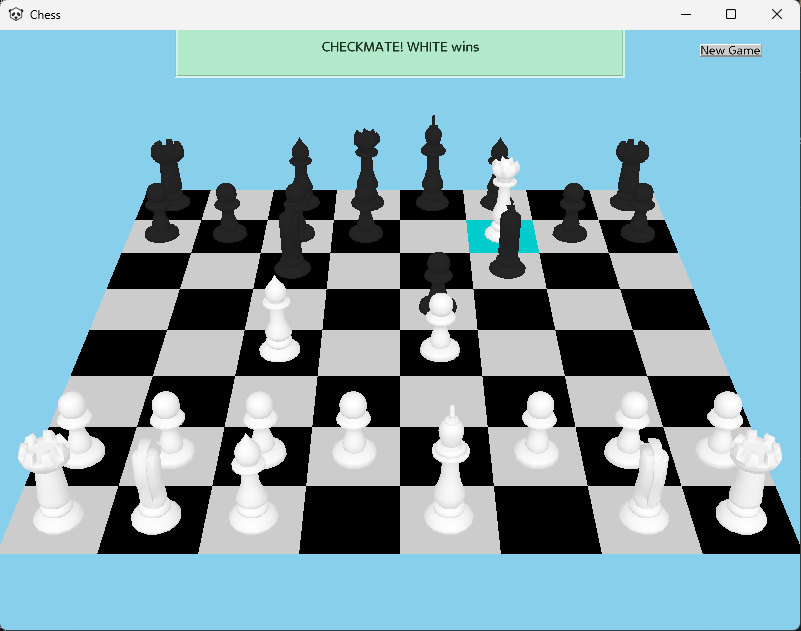
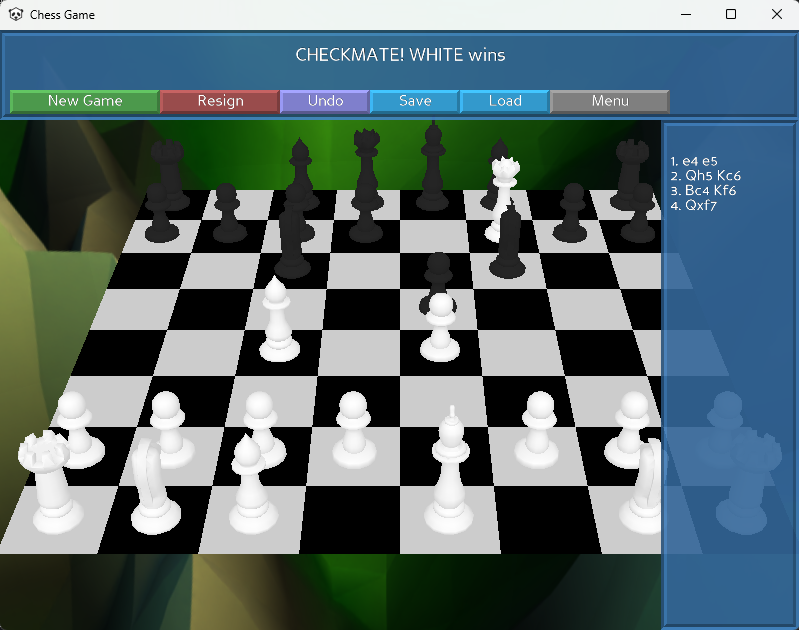
- ♟️ Full Move Validation: Fully supports complex rules like castling, en passant, pawn promotion, and checkmate detection.
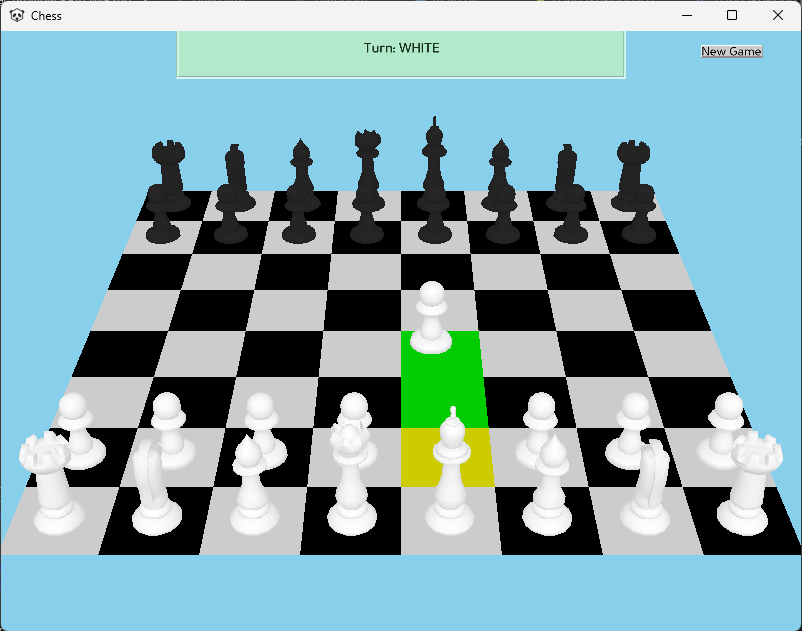
- 🖱️ Interactive 3D Board: Intuitive mouse-based piece selection with dynamic camera rotation between turns.
- 🎬 Visual Polish: Includes valid move highlighting and smooth capture animations.
- 🖥️ Cross-Platform: Available as a standalone download for Windows, macOS, and Linux.
🎮 Controls
| Input | Action |
| Left Click | Select and move pieces |
Download
Install instructions
Download & Install Instructions
- Download the appropriate file for your system:
chess-windows.zip,chess-mac.zip, orchess-linux.zip. - Extract the contents of the ZIP folder to your computer.
- Windows: Run
Chess.exeinside the extracted folder. (If Windows SmartScreen displays a "Windows protected your PC" warning, click More info -> Run anyway). - Mac: Run the
Chess.appfile. You may need to grant execution permissions. - Linux: Run the
Chessexecutable. You may need to grant execution permissions (chmod +x Chess) before running.
Leave a comment
Log in with itch.io to leave a comment.